Form Autofill
A minimal Python + PyQt6 desktop tool that inspects, customizes, and bulk-submits any public Google Form — with validation-aware random data.
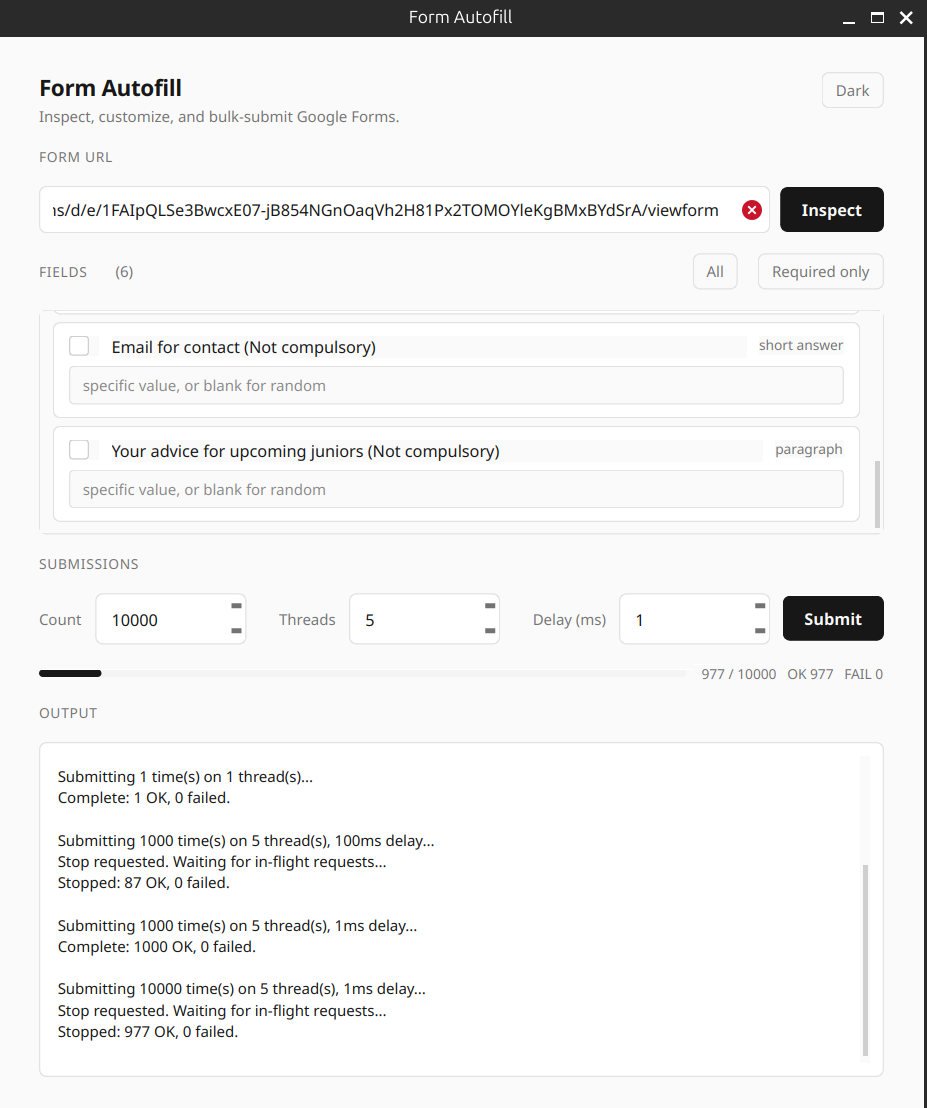
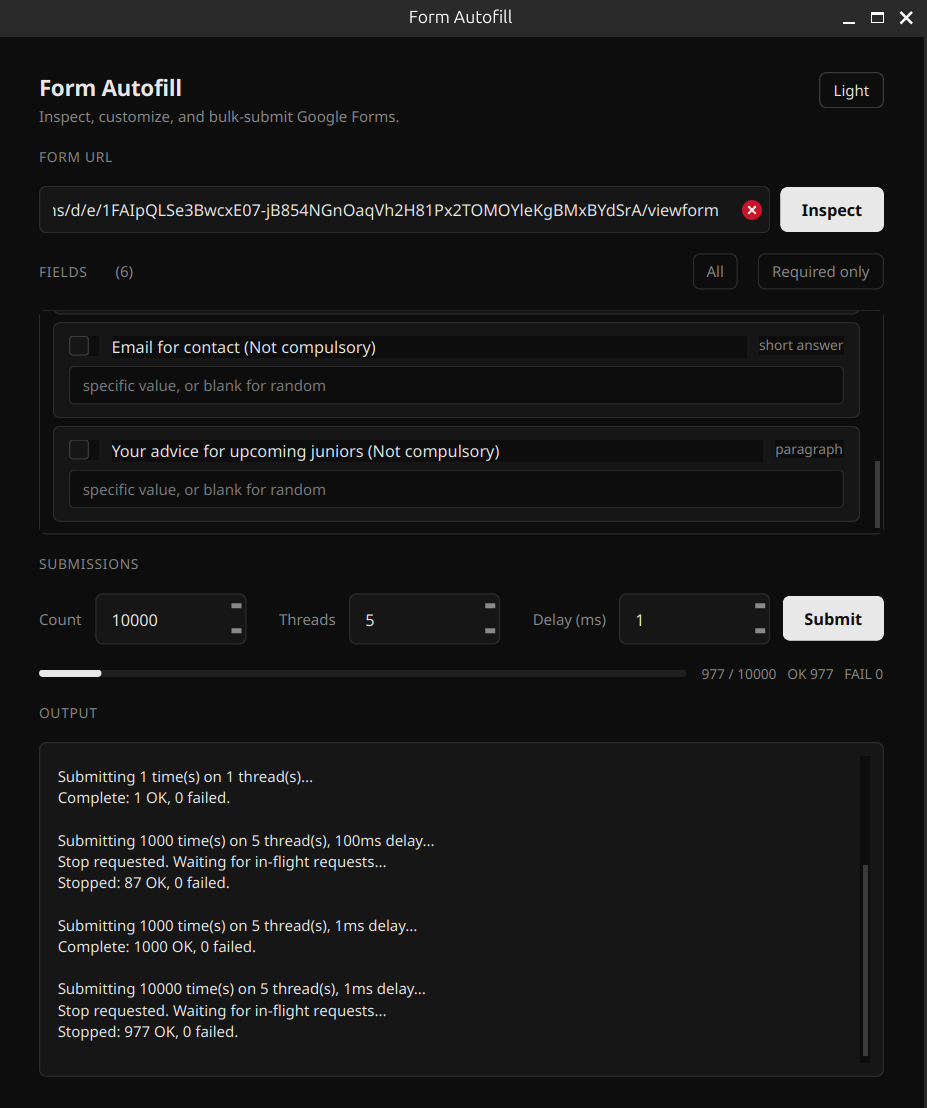
Inspect & pick fields
Parses every field on the form — type, required-ness, options, validation — and lets you tick which ones to fill.
Per-field value overrides
Type a specific value next to any field. Leave it blank to let the tool pick a random one that satisfies the field’s constraints.
Validation-aware random
Reads Google’s embedded validation rules and generates matching values: numeric ranges, valid emails, URLs, text length, regex hints.
Bulk submit, multi-threaded
Run 1–10,000 submissions concurrently across up to 32 worker threads. Configurable per-thread delay between requests.
Live progress & logs
Slim progress bar with OK / FAIL counters. Output mirrored to the terminal. Failed submissions report status code and likely cause.
Stop mid-run
The Submit button toggles to Stop while running. Cancellation pauses the queue and tears down within one in-flight request.
Dark & light theme
Strict monochrome palette in both modes. Toggle on the fly — nothing else changes, no color accents.
No browser, no Selenium
Pure HTTP POSTs. Harvests the form’s anti-bot tokens (fbzx, fvv, …) automatically so Google accepts the submission.
Get it running
git clone https://github.com/LegitCoconut/googleform-autofill-and-submit
cd googleform-autofill-and-submitpython3 -m venv .venv
.venv/bin/pip install -r requirements.txt.venv/bin/python gui.py
You can still use the original CLI — python main.py <url> — but the GUI adds bulk submission,
per-field overrides, validation-aware random data, threading, and live progress.
Three steps
- Paste a Google Form URL and press Inspect. The tool extracts every field straight from the form’s embedded data.
- Tick the fields you want to submit. Optionally type specific values for fields whose random defaults wouldn’t pass validation.
- Set Count, Threads, and Delay — then Submit. Watch the progress bar and log as it runs.
Note
Only use this on forms you own or are explicitly authorized to submit to. Bulk-submitting random data to forms you don’t control is spam — don’t do it.